Skip to content

Resident Survey and Voting System

Surveys, voting and public consultations with residents. A municipal employee creates a survey, decides who can vote and sees the results in charts straight away.

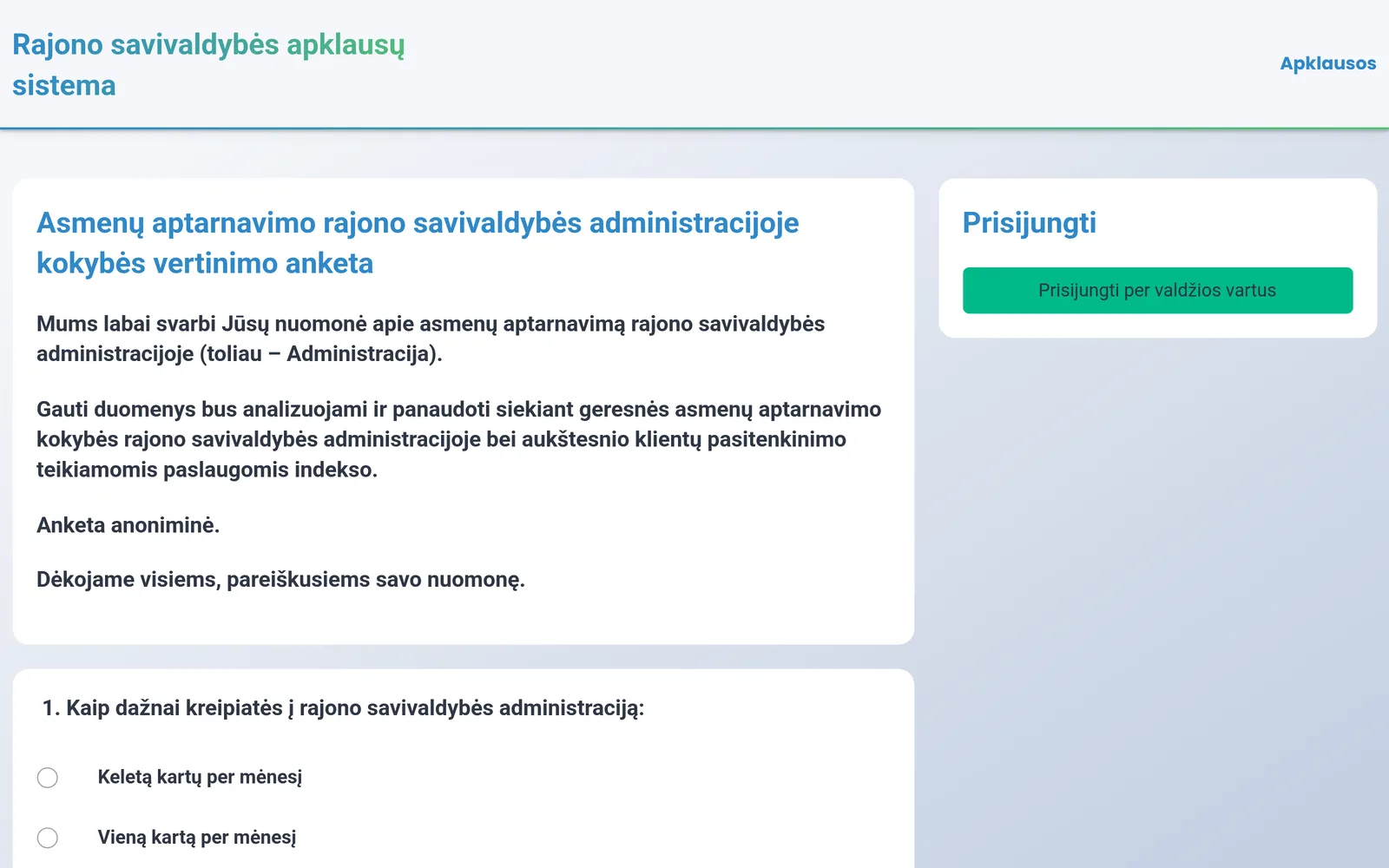
When residents log in via the e-Government Gateway, their place of residence is checked in the register and each resident votes only once.
View features
  • Login via the e-Government Gateway
  • A logged-in resident votes only once
  • Survey by eldership or street
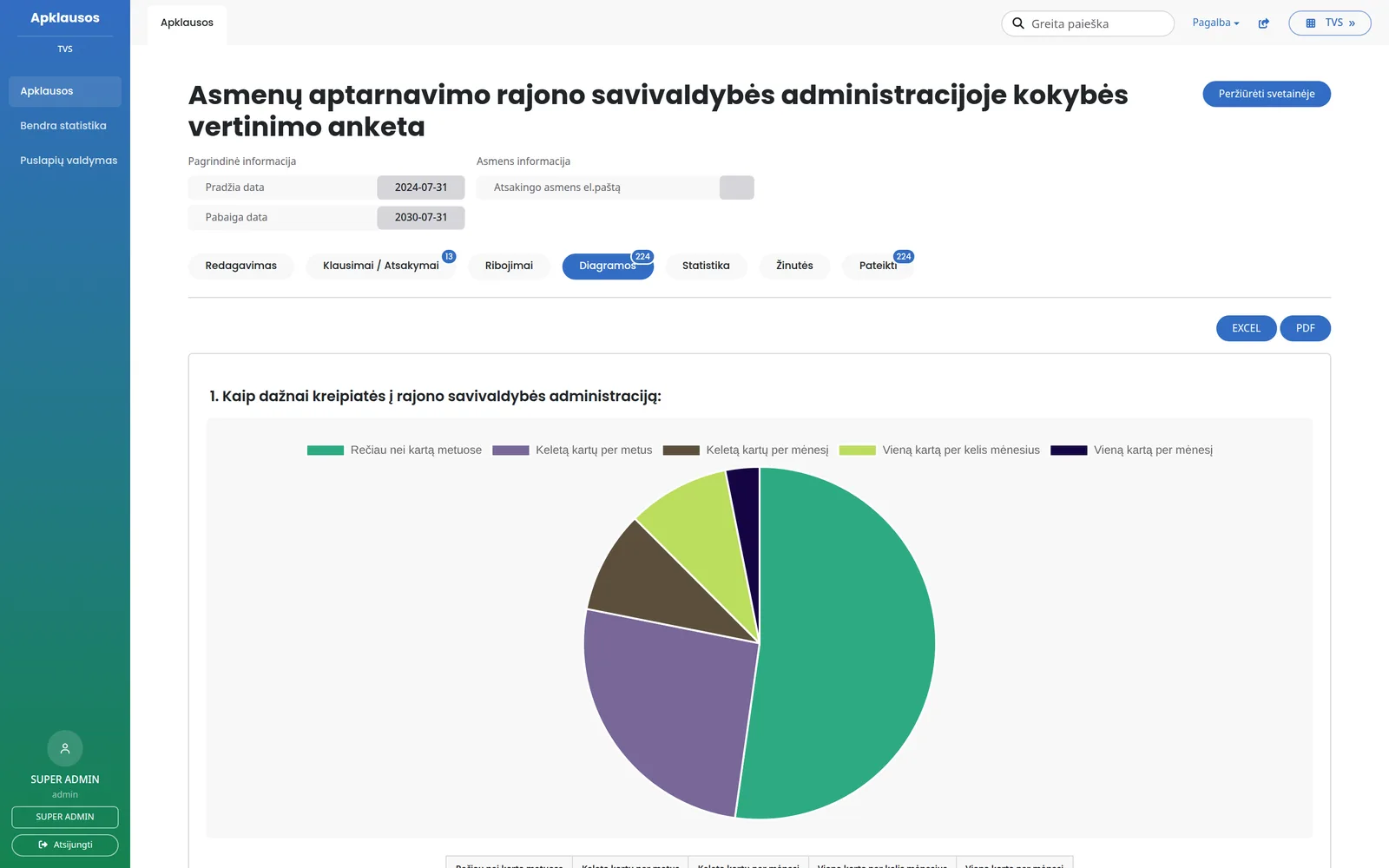
  • Instant results in charts

What changes

  • Without the system: Opinions are collected on paper forms or with generic online tools.
    With the system: A survey is created in a few minutes and published on the municipality website.
  • Without the system: There is no way to check whether the voter really lives in the municipality.
    With the system: Residents log in via the e-Government Gateway, and their place of residence is checked in the register.
  • Without the system: The same person can vote several times.
    With the system: A logged-in resident votes only once.
  • Without the system: Results have to be entered and totalled manually.
    With the system: Results are shown in charts immediately and can be downloaded to Excel or PDF.

Features

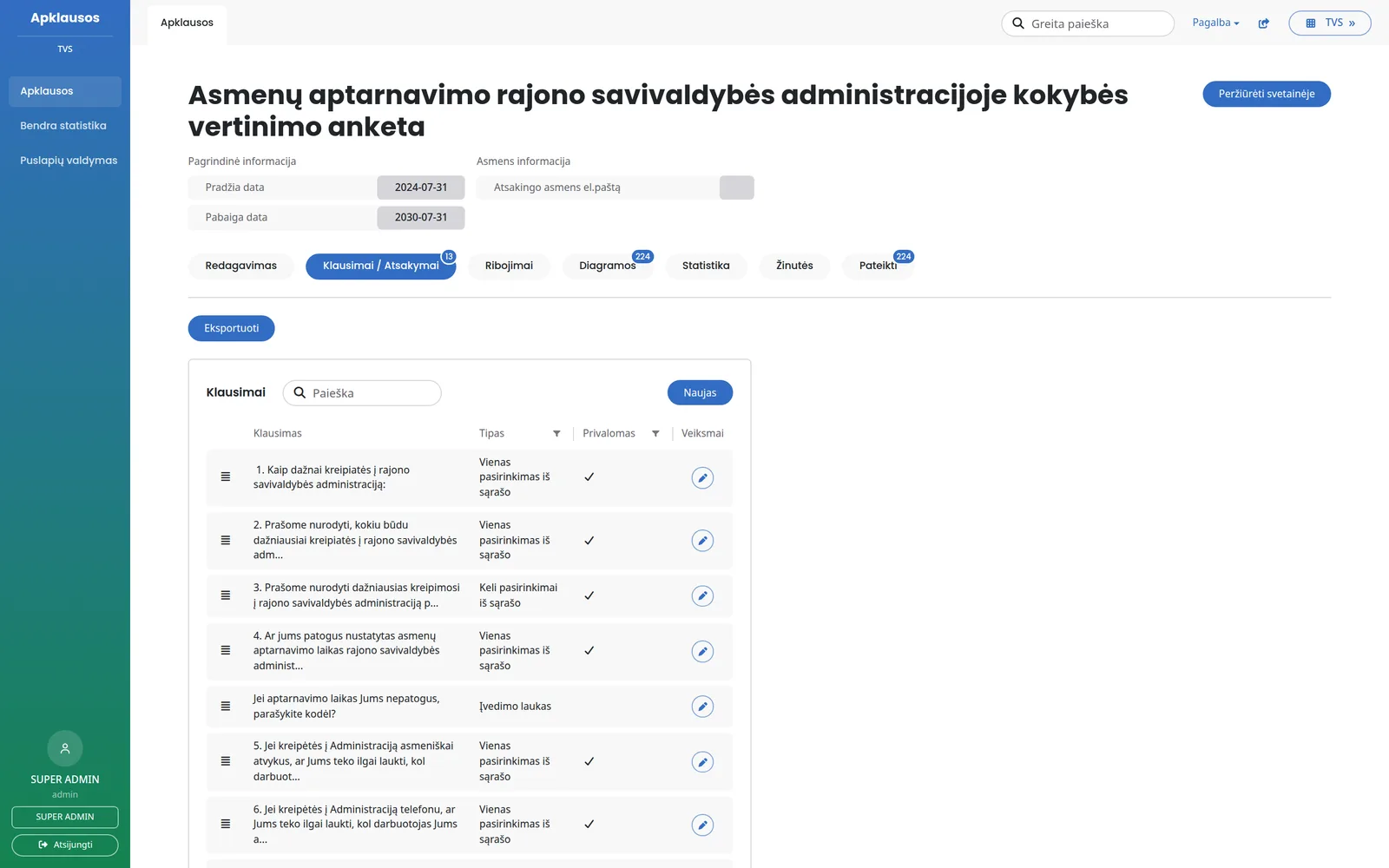
Questions

Municipality staff build the survey themselves, without a programmer.

  • Single or multiple choice, text, number, image choice
  • Likert scale - several statements with the same rating options
  • “Other” answer with a field for explanation
  • Required questions and limits on the number of choices
  • Question order changed by drag and drop

Survey settings

Each survey has its own period, description and rules.

  • Start and end dates, description with images and links
  • Public or only for users logged in via the e-Government Gateway
  • Age limits - based on the personal code
  • For anonymous surveys - a limit on answers from one IP address
  • Responsible employee's e-mail for notifications

Completion

Residents complete the survey on a computer or phone.

  • A long survey is split into pages, and answers are not lost
  • Questions can be sent to the employee responsible for the survey
  • In anonymous surveys - an “I'm not a robot” check and a vote limit per IP address

Who can vote

A survey can be restricted to residents of a specific area.

  • By eldership, town, street or house number
  • Declared place of residence checked in the Population Register
  • Suitable for elections of elders and local consultations

Results and statistics

Answers are instantly turned into charts.

  • A pie or bar chart for each question
  • Participants by gender, age, eldership, town and street (in surveys with login)
  • Charts downloadable to Excel and PDF, answers to Excel

Other modules

Paper votes

People who voted in person are added to the same system.

  • A vote is entered by personal code
  • The resident is checked in the register
  • A repeat vote is not counted

Notifications

The responsible employee knows what is happening.

  • An e-mail about each submitted form
  • Residents' questions to the employee
  • E-mail templates edited in administration

Participants

Who answered the survey and when.

  • List of submitted forms
  • Viewing answers
  • A flag if entered manually

Website pages

Information for residents alongside the surveys.

  • Contacts and privacy policy
  • FAQ
  • Content edited in administration

Permissions

Everyone sees what they need.

  • Administrator
  • Employee responsible for the survey
  • Activity log

Interface

A survey can also be displayed in another system.

  • Questions and answers via an interface
  • List of voters
  • Key-based access

Who it is for

  • For the municipality

    Surveys, voting and consultations with residents in one place.

  • For elderships

    Elections of elders and local residents' opinions.

  • For residents

    Online voting, without paperwork or queues.

  • For employees

    Internal staff surveys.

Integrations

“I'm not a robot” check

Automated votes are filtered out in anonymous surveys.

Mobile apps

Surveys can also be shown in the municipality app - the vote goes into the same system.

Frequently asked questions

Didn't find an answer? Write or call us - we'll be happy to help.

That is up to you. A survey can be public or only for users logged in via the e-Government Gateway, with a place-of-residence check.

A resident logged in via the e-Government Gateway can complete the survey once. For anonymous surveys, the number of answers from one IP address can be limited.

Yes. An employee enters the vote by personal code, and the system checks the resident in the register.

Yes. A survey can be restricted by eldership, town, street or even house number.

Charts can be downloaded to Excel and PDF, and all answers to Excel.

We will show you how to create your first survey

In a short demo we will create a survey, show how it is completed and the results, and discuss what needs to be adapted for your municipality.

+370 657 58414