Skip to content

Electronic Form Builder with Biometric Signature

The system is intended for organisations that need to create, manage and deliver document forms of every kind flexibly — from employment contracts to consents and undertakings — for users to complete and sign.

The tool lets administrators assemble a form of any structure from a library of pre-prepared elements, while the end user completes it and confirms it with a legally valid biometric signature directly on a tablet or smart device. Once the form has been completed and signed, the system automatically generates the final PDF document, which is stored together with the signature data and is ready for further document management or submission to external systems.

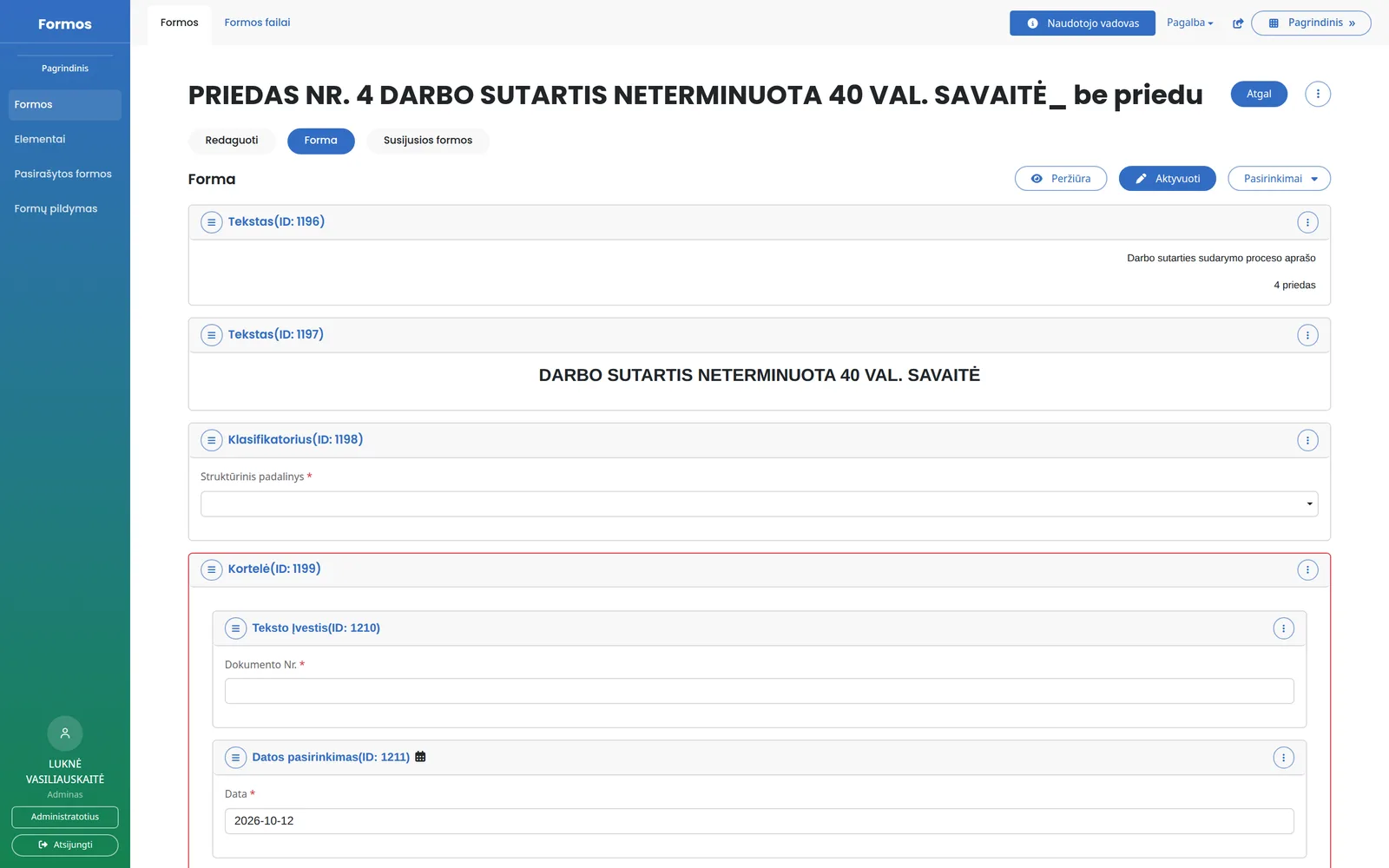
Dynamic Form Builder

This is an environment for administrators in which forms are assembled from pre-prepared, reusable elements — text fields, classifiers, date pickers, tables, yes/no blocks, consent fields, signature areas and other components. Elements can be arranged freely, combined into groups (cards, for example) and configured to suit the needs of a specific document, without changing the system source code.

Biometric Signature

The biometric signature module is the core component of the system. It lets the user sign a document by hand using a digital pen, while the system captures not only the graphic image of the signature but also the dynamic biometric parameters of the handwriting: writing speed, pressure, pen tilt, pauses between strokes and the overall trajectory of the signature.
This data is collected and structured in accordance with the international standard ISO/IEC 19794-7, which defines the data format for dynamic signatures in biometric recognition systems.
The approach treats a signature not as a static image but as a unique biometric marker tied to a specific person, which can later be verified and compared technically. Additional contextual data is recorded alongside the signature — the time of signing, the device identifier, the operating system, the application version and the geographic location — so every signature leaves a clear, verifiable trail that is hard to repudiate.

PDF Document Generation

Once a form has been completed and signed, the system automatically composes the final document in PDF format, reflecting all the data entered by the user and the signatures added. The generated document is stored together with the signing metadata and can be viewed, downloaded or transferred to other systems.

System capabilities

Dynamic Form Generation

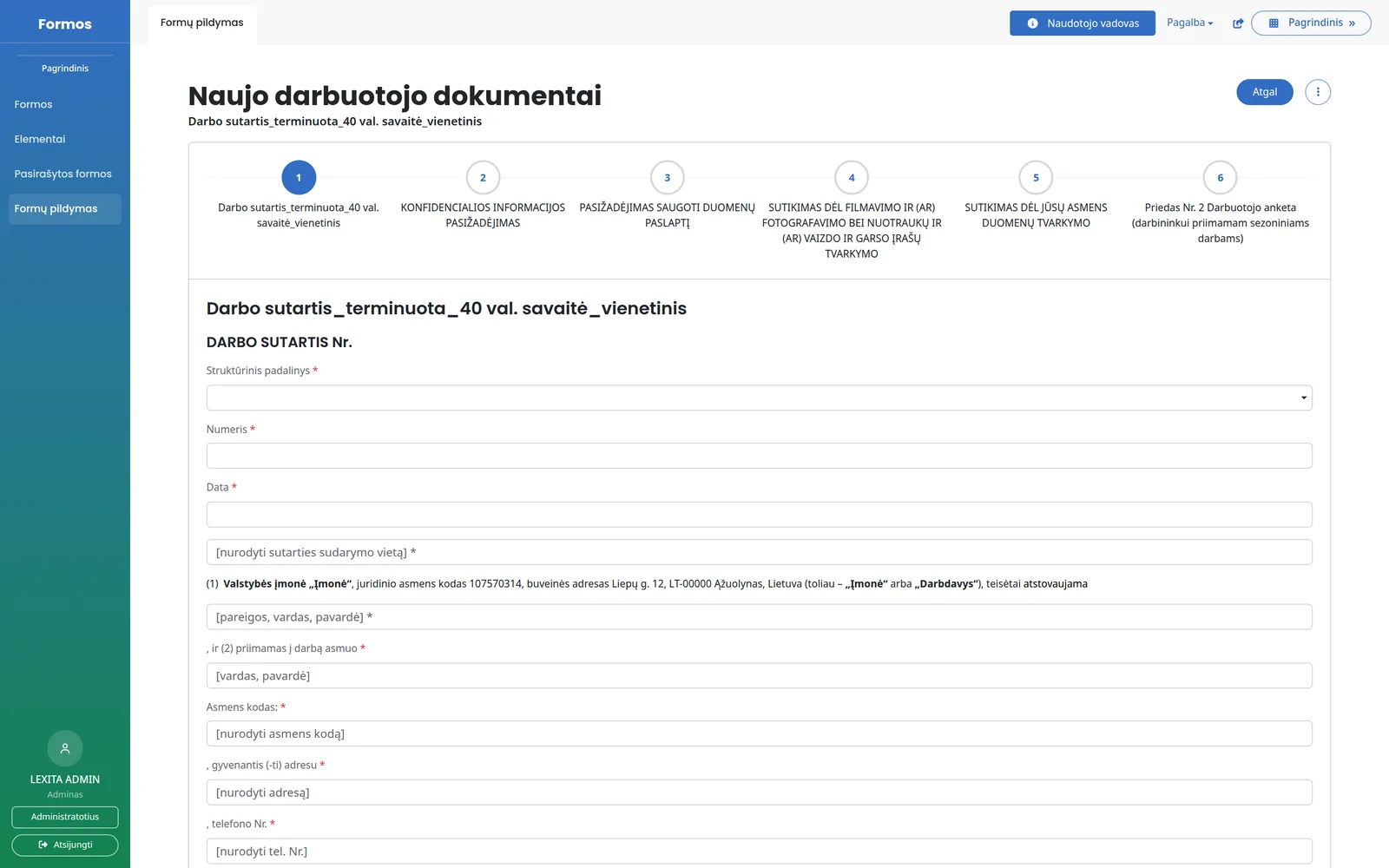
The system automatically generates a complete, structured form from individual elements, which the user sees and fills in on their own device, with no additional programming required for each new document type.

Biometric Signature Capture to ISO/IEC 19794-7

During signing, the system collects dynamic handwriting parameters in real time and structures them according to the international standard, ensuring that the signature is technically verifiable and legally meaningful.

Multi-Party Signature Management

A single form can contain several signature areas for different parties (an employee and an employer, for example), and the system records the biometric and contextual data of each signatory separately.

Automatic PDF Generation from Signed Forms

Once a form is signed, the system composes the final PDF document with no further action, matching the form template and the data submitted by the user.

Storage and Review of Signed Documents

All signed forms are collected in a separate list, where the document content, the signature details, the time of signing and the location on a map can be reviewed.

Submission of Documents to External Systems

Generated and signed documents can be transferred directly to other systems in the organisation, for example a document management system (DMS).

Access via Mobile Application

Users can review the forms assigned to them, complete and sign them directly from the mobile application, and the system automatically synchronises the data with the central platform.

User and Access Management

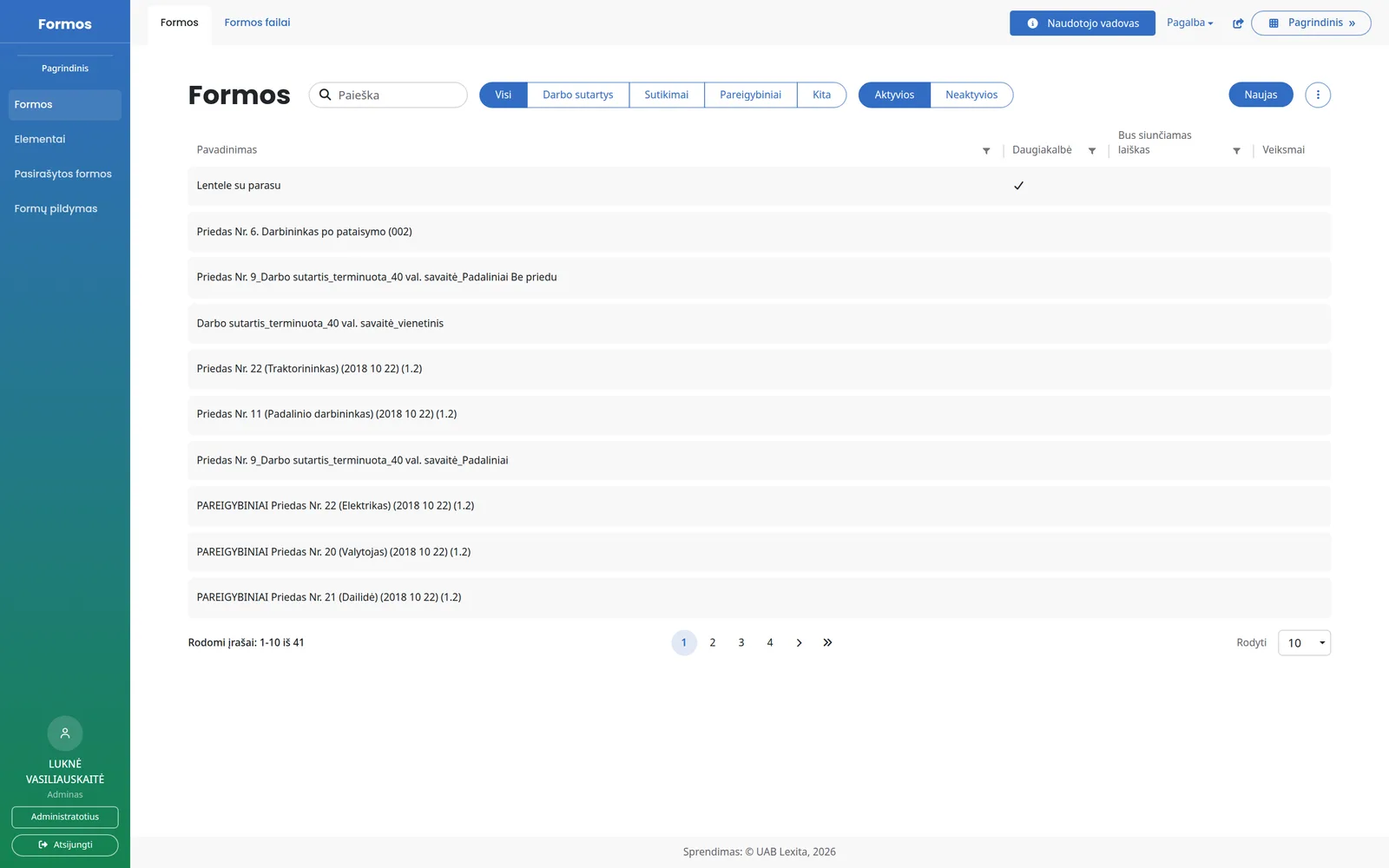
Every user in the system has their own profile with identification data, and administrators can manage which users have access to which forms or sets of forms.

Modules and integrations

Modules
  • Forms
  • Signed Forms
  • Form Filling
Integrations
  • Kontora DMS
  • GPS Location

Kiti panašūs sprendimai savivaldybėms

Which municipalities use this system

VĮ Valstybinių miškų urėdija
UAB Vilniaus vandenys
Lietuvos sveikatos mokslų universiteto ligoninė Kauno klinikos

Have an idea? Let's turn it into reality!

Susisiekite su mumis ir kartu aptarsime, kaip ši sistema gali padėti jūsų savivaldybei dirbti skaidriau ir efektyviau.